

Build
Buddy
01
About the Project
BuildBuddy is an app that allows the user to follow step-by-step guides for intricate builds effortlessly. Scan your LEGO pieces to unlock personalized suggestions. Share your creations in our vibrant community. It's your go-to for creativity, connection, and endless building fun!
The Problem
A pressing need for a user-friendly LEGO app that seamlessly guides builders of varied skill levels, enhances the virtual building experience with a tactile feel, maintains a healthy screen time balance, and efficiently organizes LEGO collections, catering to both enthusiasts and casual builders.
My Responsibilities
UX Research, UI Designer, Interaction Designer
02
User Research
Competitive Analysis
BrickIt
LEGO instructions lack interactivity : Animations, highlighting features, material takeoff, VR could enhance the experience.
The app's UI needs work : More space between instructions/parts, larger buttons, and breaking down complex builds would improve usability.
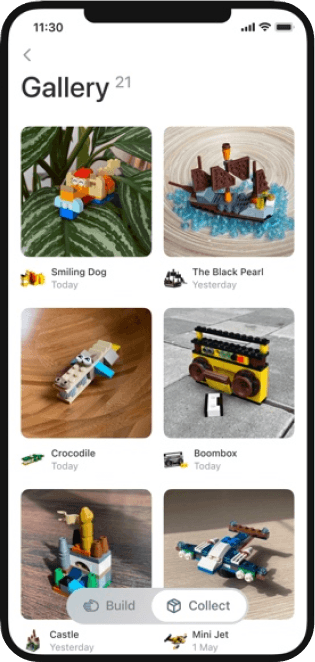
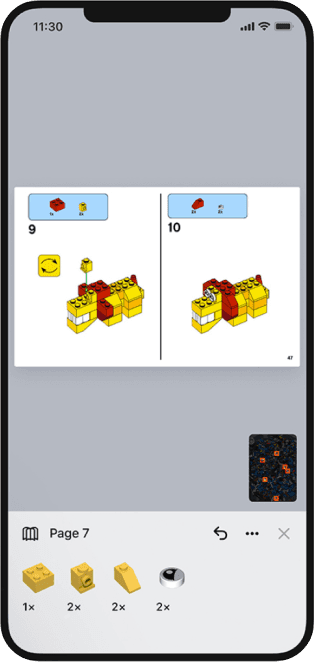
Lego Builder App
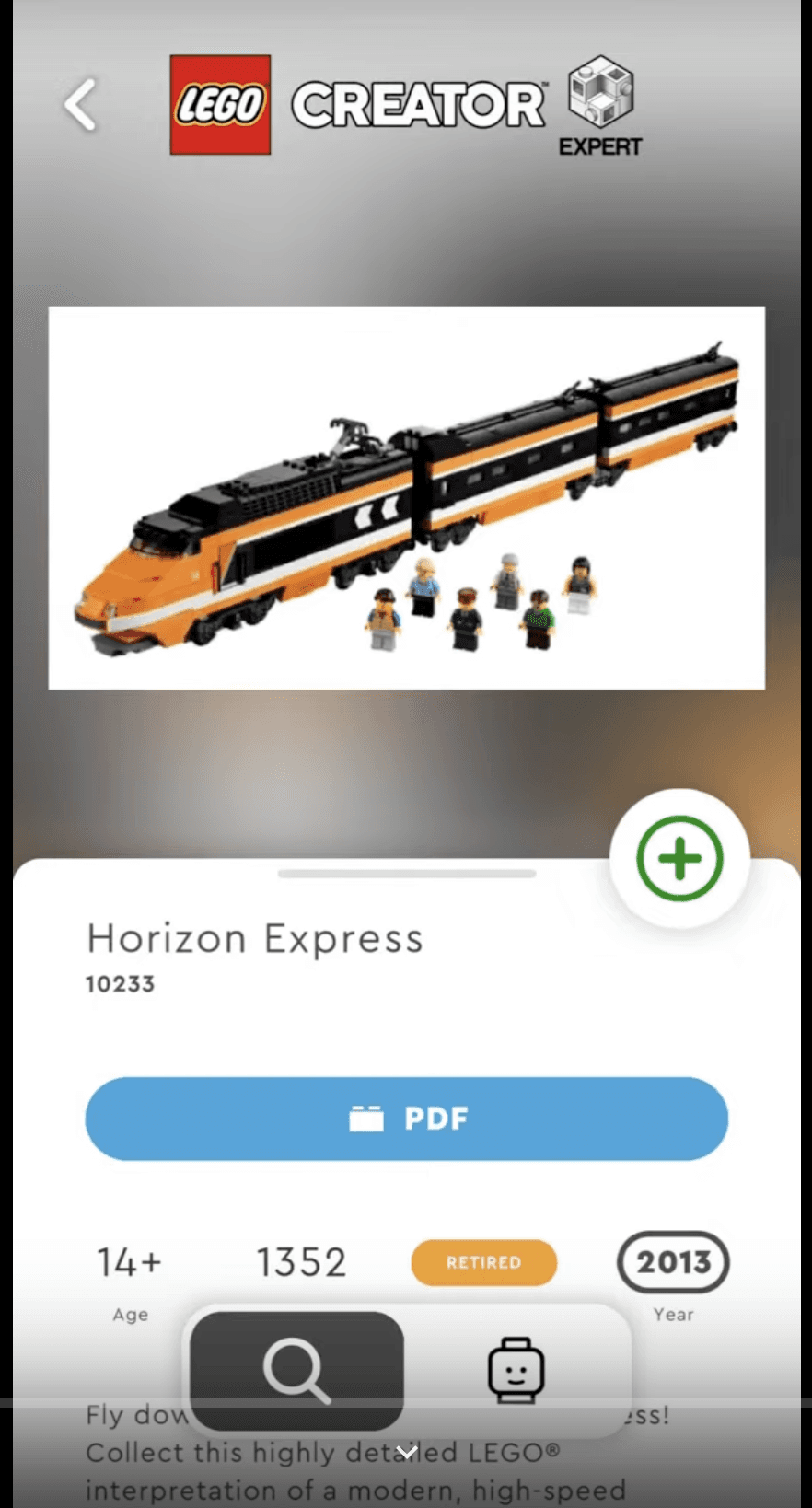
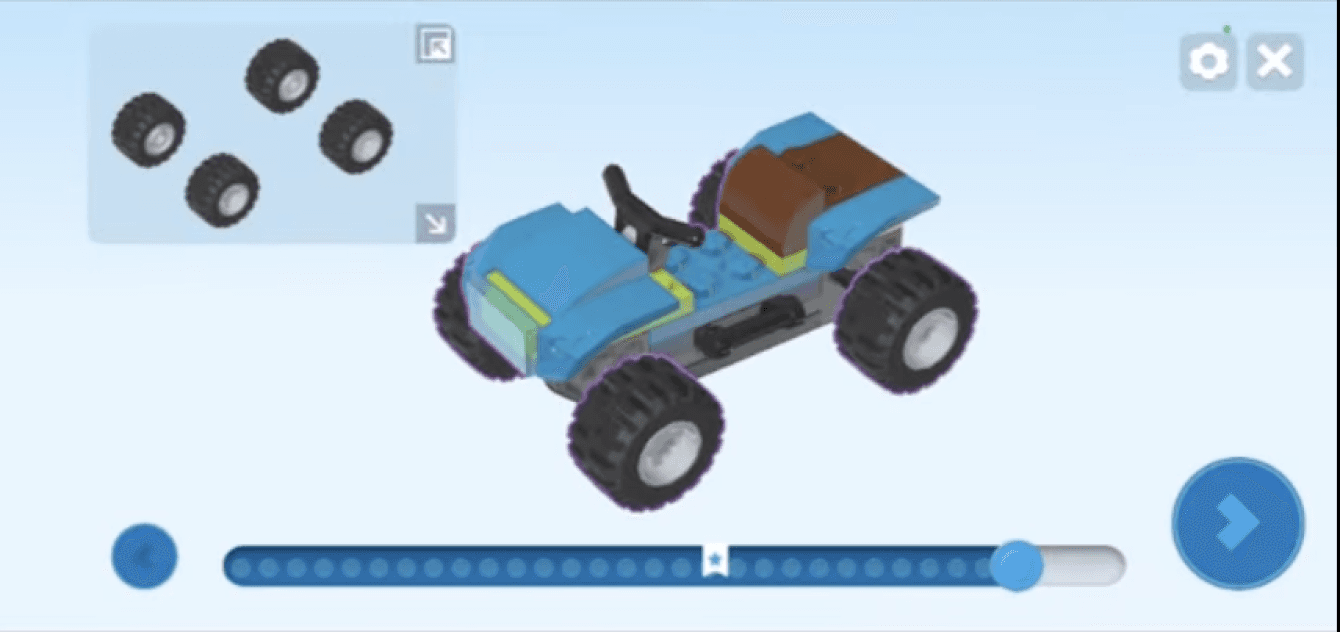
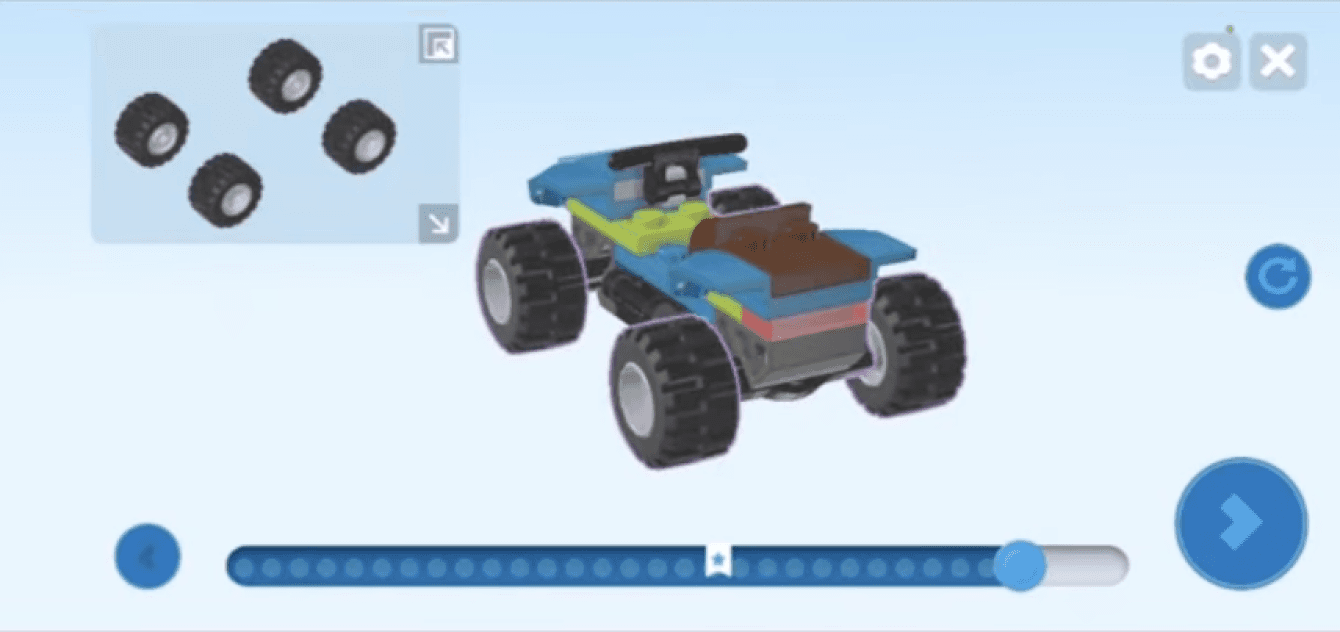
Interactive Features : Static images lack the wow factor. Make building fun! Highlight functionalities like hidden compartments or moving parts to spark curiosity.
Accessibility Matters : Current layouts can feel cramped, especially on smaller screens.
Tiny Targets : Buttons and icons can be too small, making them difficult to tap, particularly for younger builders. Increasing padding would improve usability.
Lego : Paper Manual
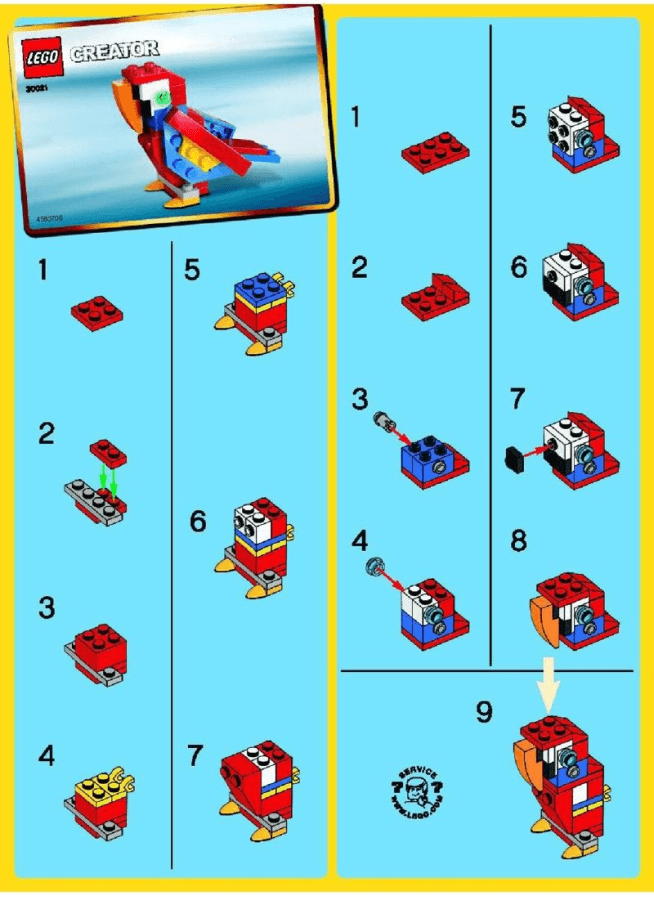
Limited Search-ability : Finding specific steps can be cumbersome, especially for large builds. Imagine a digital index or hyperlinked table of contents for easier navigation.
Scaling Issues : Complex builds often require multiple folds or spreads, making it difficult to keep track of instructions. Consider a larger format or a multi-panel unfolding system for better visibility.
Error Correction : Mistakes happen! Paper manuals offer no way to visually indicate corrections or updates after the initial printing.
Accessibility Concerns : Instructions might not be easy to follow for people with visual impairments or hand tremors.
Environmental Impact : Paper manuals contribute to waste.
Qualitative Analysis
Interviews with LEGO enthusiasts revealed key themes: their use of digital tools, interest in virtual building platforms, importance of community interaction, managing LEGO collections, and balancing screen time with physical building.
Pain points
Guidance for Beginners
As a beginner, step-by-step guidance in an app, emphasizing the importance of simple and clear instructions for a stress-free building experience.
Managing Small Collections
While not dealing with an extensive collection, an app that helps catalog and organize the few LEGO sets they own for easy accessibility.
Lack of Virtual Experience
Virtual building experience
in an app that suggests easy and quick builds, aligning with the laid-back nature of their hobby.
User Personas
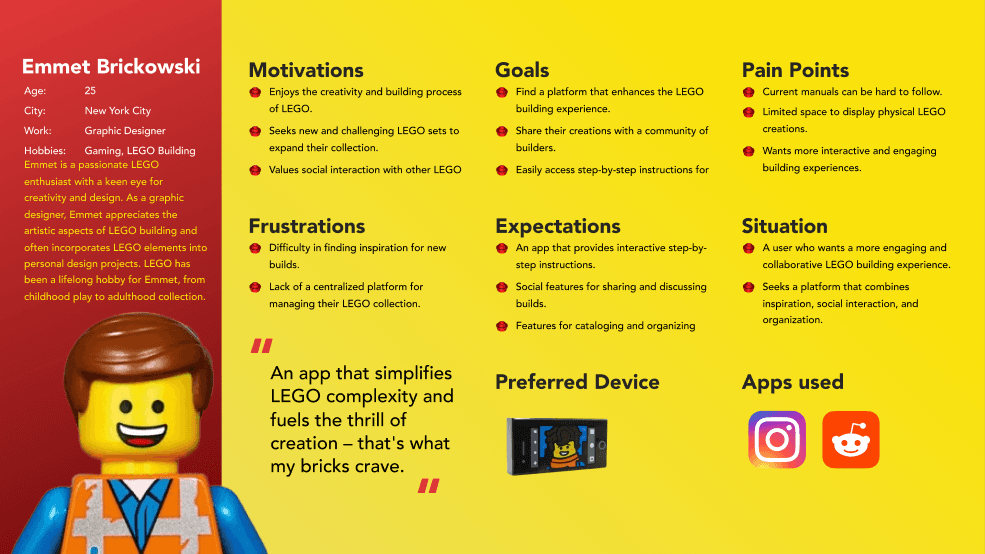
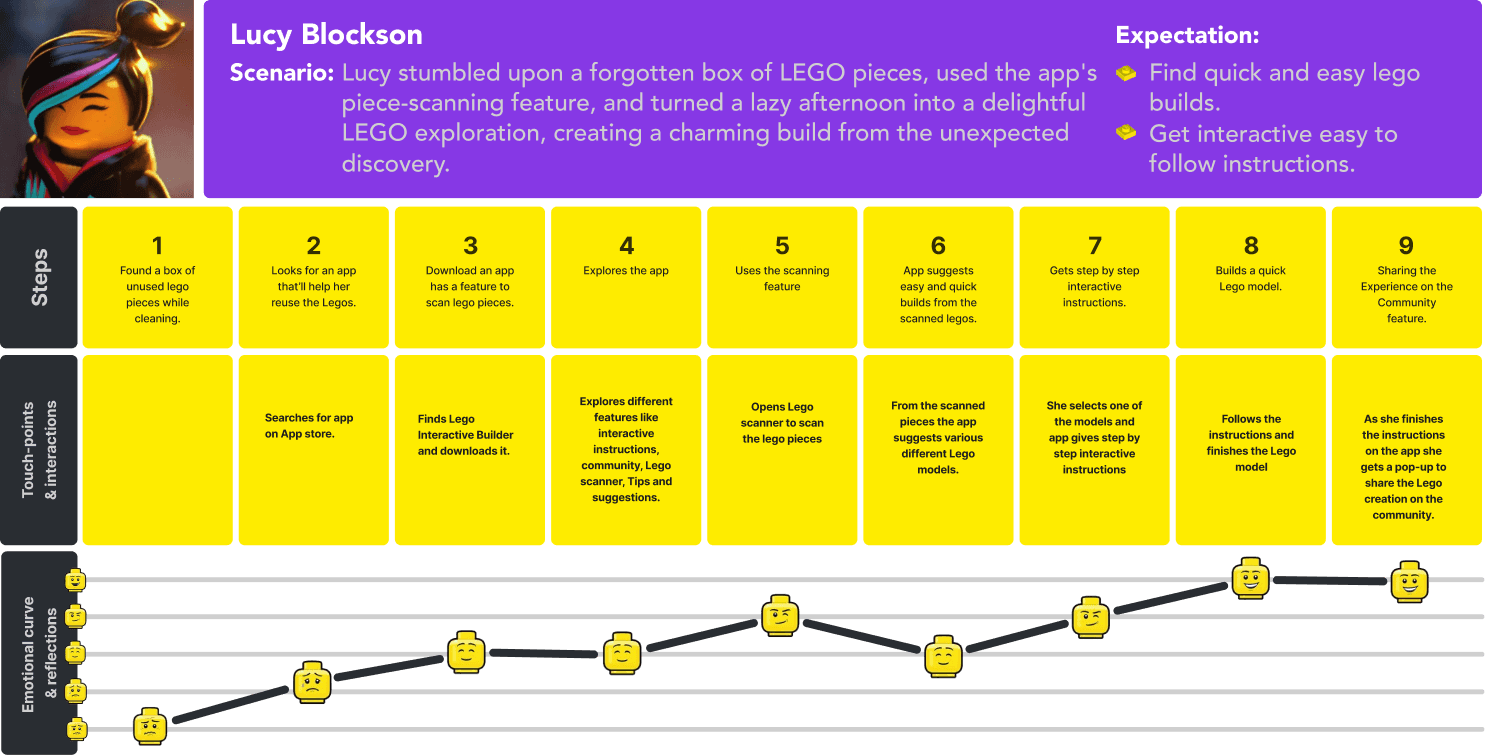
As a LEGO Enthusiast, I want to enjoy a social and collaborative LEGO building experience, so that I can share my creations, get feedback, and connect with a diverse community of builders who share my passion.
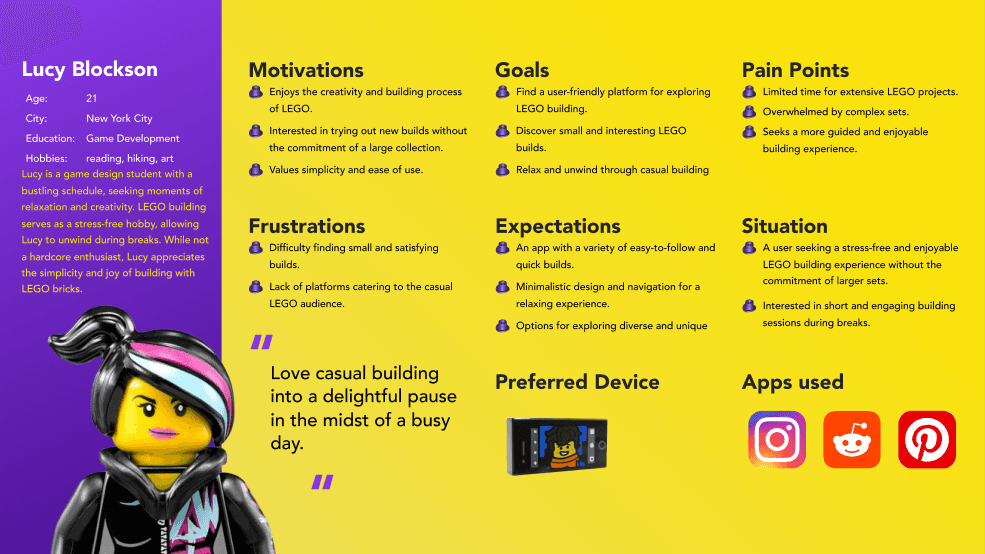
As a Casual LEGO Explorer, I want to use the interactive LEGO builder app for quick and enjoyable building sessions, so that I can relax and unwind during short breaks, explore diverse LEGO creations without commitment, and infuse moments of creativity into my busy schedule effortlessly.
03
Ideation
User Flow
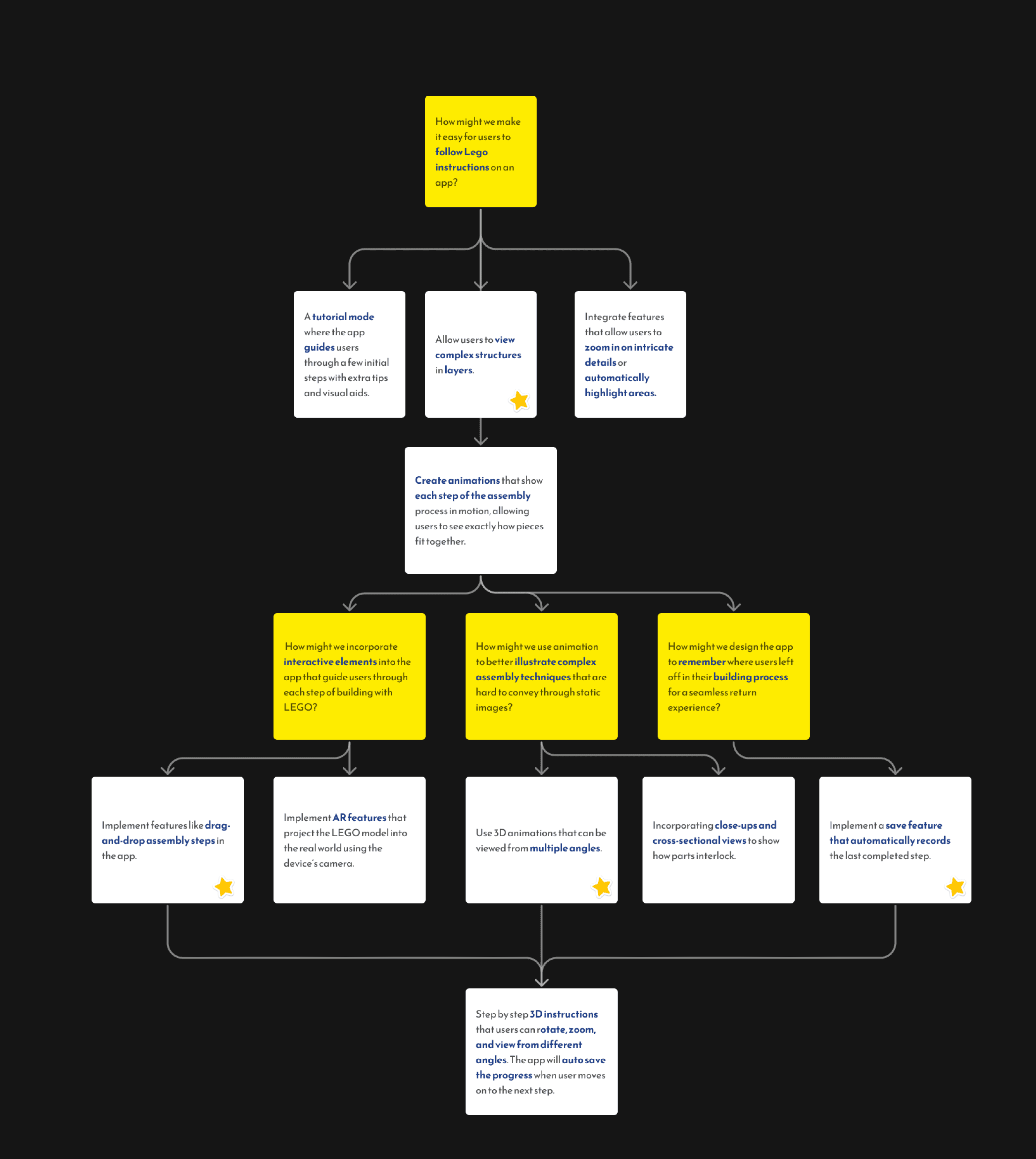
How Might WE?
04
Design
Inspiration
Color: Vibrant primaries (Lego colors) with pops of secondary/tertiary for depth.
Shapes: Rounded corners, grids, Lego brick-like buttons/icons.
Images: Minimalist Lego silhouettes, Lego avatar customization, Lego world background illustrations.
Animation: Building block animations, Lego brick filling progress bars.
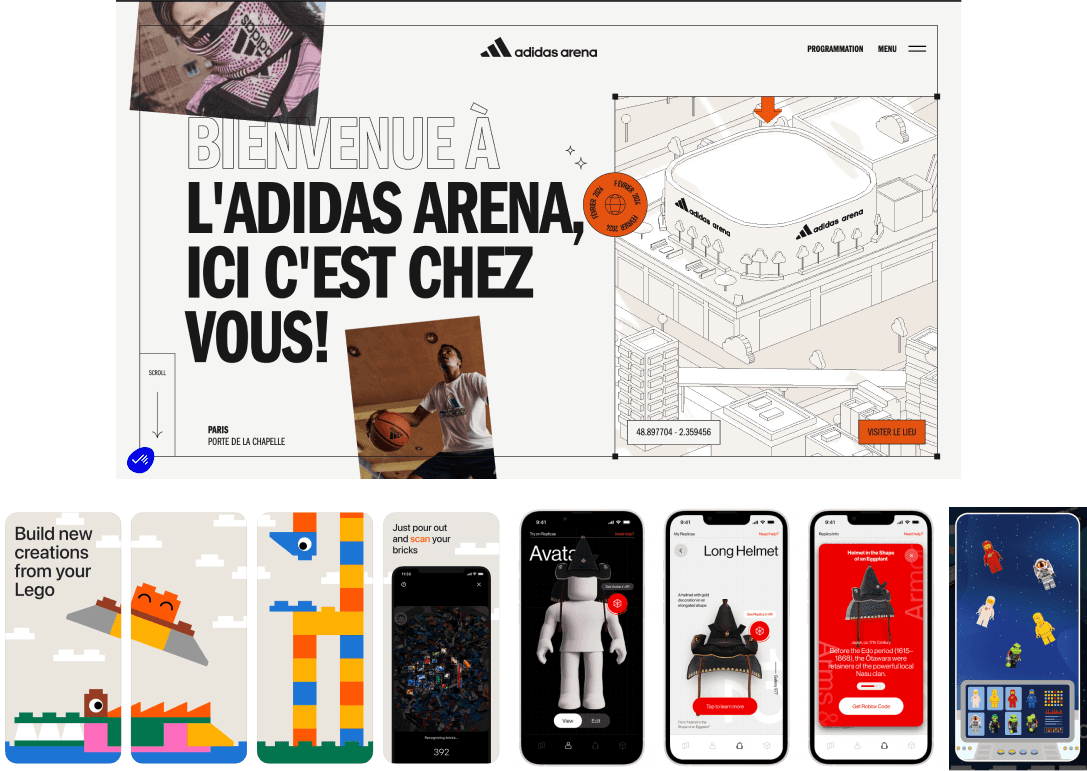
Mood Board
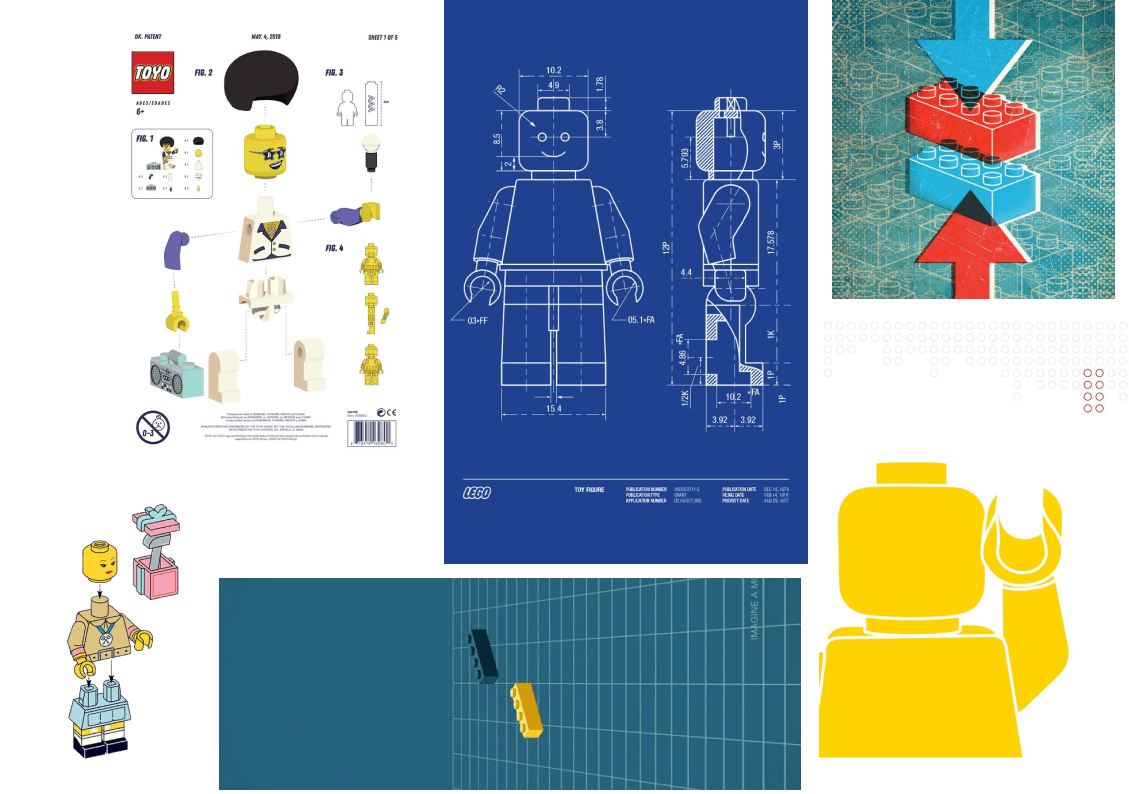
Bold & Whimsical: Captures the strong colors and lighthearted feel.
Primary Punch: Highlights the use of primary colors and their impact.
Lego Nostalgia: Focuses on the childhood connection and familiar toy.
UI Kit
Typography
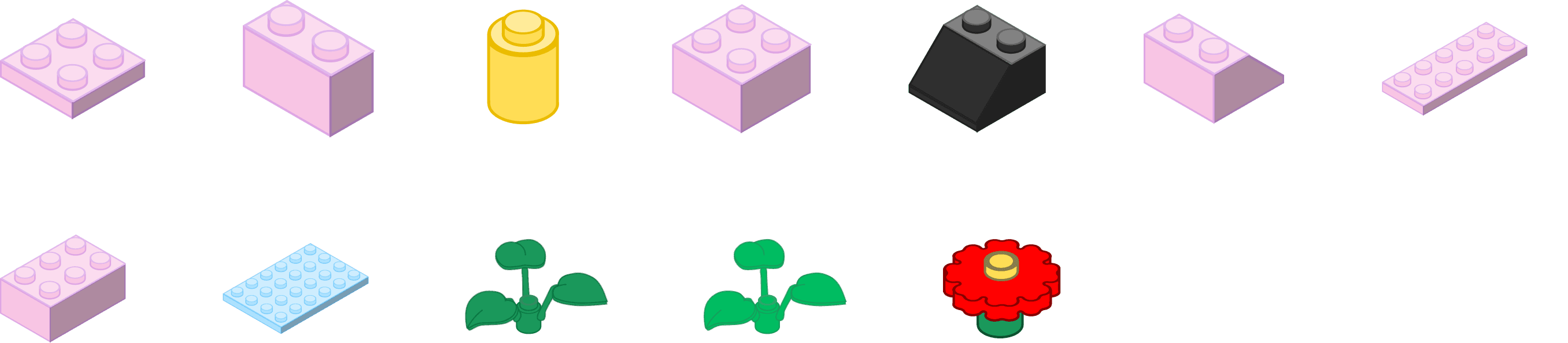
Lego Brick Components
I utilized a LEGO brick component from the Figma Community for this project. This resource was instrumental in enhancing the design and interactive features of the application. The Link to the Figma File
Colour Pallet

Buttons
Icons

High Fedility Design and Interactions
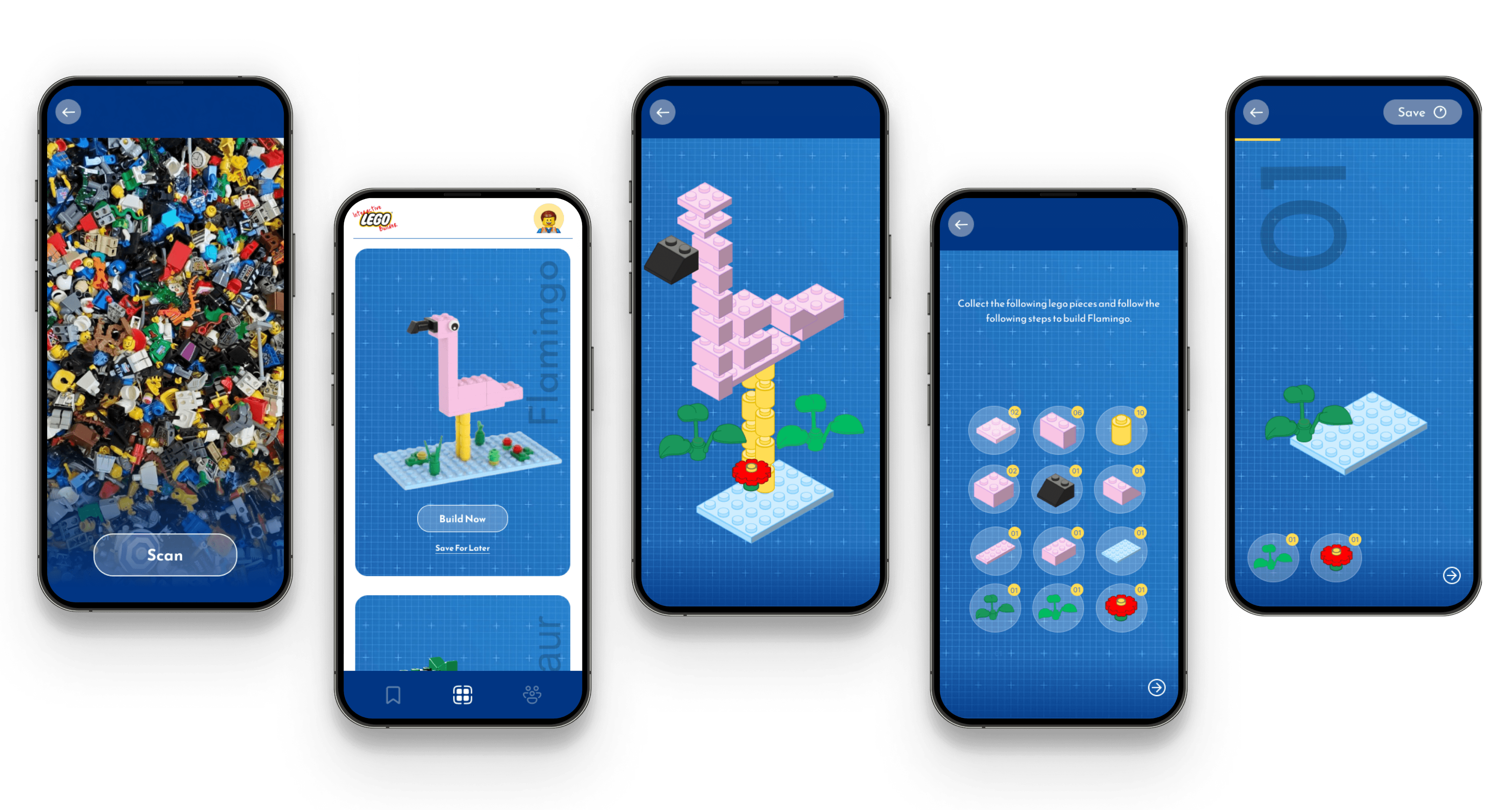
Scanning Lego Pieces
Interactions:
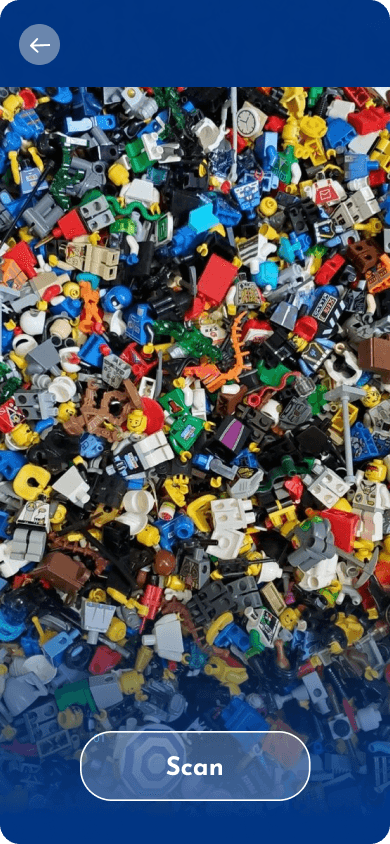
The user opens the scan option to scan a pile of Legos.The user
Press scan to start scanning the pieces.
Scanning animation plays.
Once the scanning is over, the user sees a build button which takes them to a list of pieces scanned.
Model Catalog Page
Interactions:
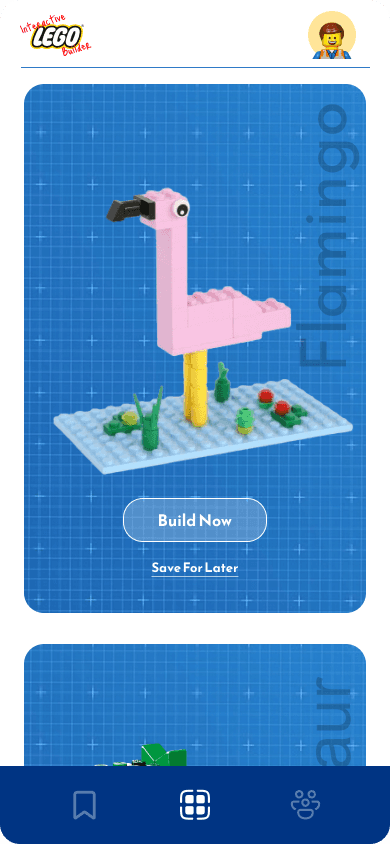
On the catalog page the user can scroll and look at the available models that can be built.
Once the user clicks on a model, a smooth animation lead the user into Model Page which shows the details, “Build” button and “Save for later” button..
Pre Build Animation
Interactions:
Once the user selects the model they want to build, an animation of all the piece fitting together and dismantling will be played .
After the animation, the pieces will group together and get sorted in different bubbles.
User will be prompted to collect bricks in real life to follow along with the interactive steps.
Building Model
Interactions:
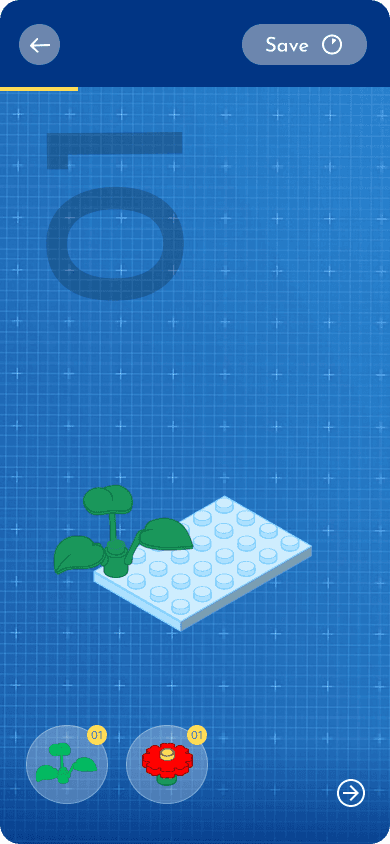
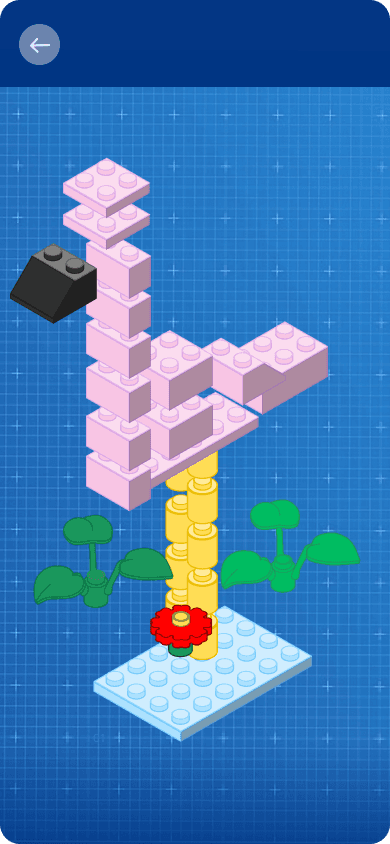
While user starts building a model, he can see “Steps”, Pieces available at that moment in step, yellow progress bar at top, and a save button..
Whenever the user clicks on a Lego piece, the lego piece falls and sits where it’s suppose to fit.
The user can swipe and change the view of the model on the screen.
AudioTour